Anti DDoS Guardian Support
Can you provide me with online guidance on how to use Anti DDoS Guardian?
Sorry, we don't have an online guide at the moment. We help registered users and guide them to set up their servers via emails and Skype. Please refer to Articles to understand common concepts of Anti DDoS Guardian.
I got a message 'Can not set the IP list', what's wrong with it?
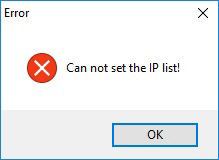
If you receive this message, Anti DDoS Guardian will not work. In most cases, it is because of cracked Anti DDoS Guardian. Spyware, Trojans, backdoors and other viruses were found on cracked Anti DDoS Guardian. Click here to know how cracked Anti DDoS Guardian can harm users.
I got a message 'Can not enable Anti-DDoS function!', what's wrong with it?
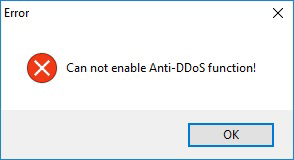
The message shows that Anti DDoS functions are not enabled and it is because of cracked Anti DDoS Guardian. In this case, Anti DDoS Guardian cannot stop DDoS attacks. Click here to know how cracked Anti DDoS Guardian can harm users.
I lost my license file, can you send it again?
Sure. Please email us at [email protected].
My problem is not list here!
Please email us at [email protected].